

How Small Businesses Can Design High-Converting Websites Using AI Tools
If you are trying to figure out how to design a small business website that converts, you are not alone. Many business owners launch a site, run online ads, and watch traffic arrive, only for visitors to leave without buying or sending an inquiry. A clean visual layout is helpful, but it is not enough on its own. With tech platforms like Meta expanding AI agents for small businesses, artificial intelligence offers practical ways to bridge this gap. However, software alone cannot save a website that lacks clear messaging and a simple structure.
As a web developer, I build websites, web apps, and business systems every day. I see where business websites regularly fall short. Most low conversion rates come down to two problems: confusing page navigation and vague language. When someone lands on your site, they need to know what you sell, why it helps them, and how to contact you within a few seconds.
The Essentials of How to Design a Small Business Website That Converts
A successful website relies on two separate foundations: a visual design system and a marketing content system. A design system sets the rules for colors, fonts, buttons, and layout spacing across your pages. It makes your site look consistent. But visual consistency does not guarantee clear messaging. As developer Yasser Soliman explains in an article on content systems, a design system defines how interface components look, while a content system manages the words, ownership, and messaging behind those components 1.
If your website has polished graphics but confusing headlines, visitors will get lost. AI tools excel at helping you organize this structure. Instead of relying on AI to generate generic pages automatically, use it to organize your messaging framework. You can ask an AI model to condense your main service into one plain sentence, list common client questions, or suggest clear button labels such as 'Request a Free Quote' instead of 'Learn More'.
Using AI to Draft Clear Copy and Reusable Page Patterns
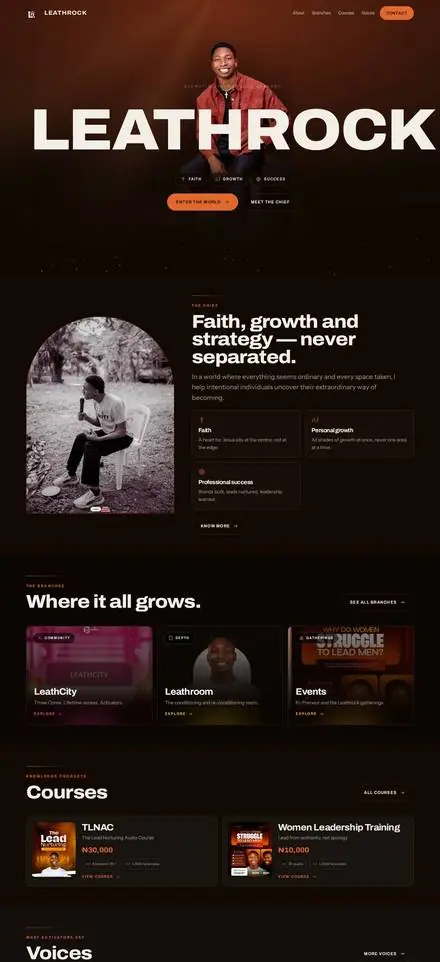
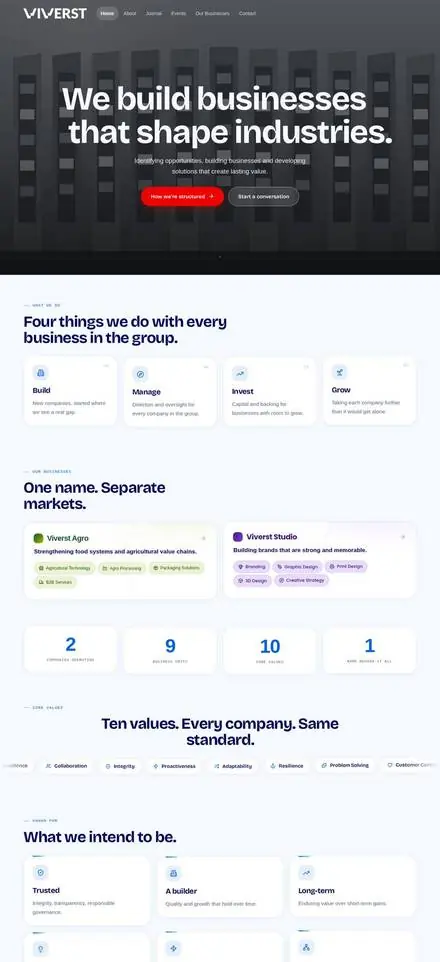
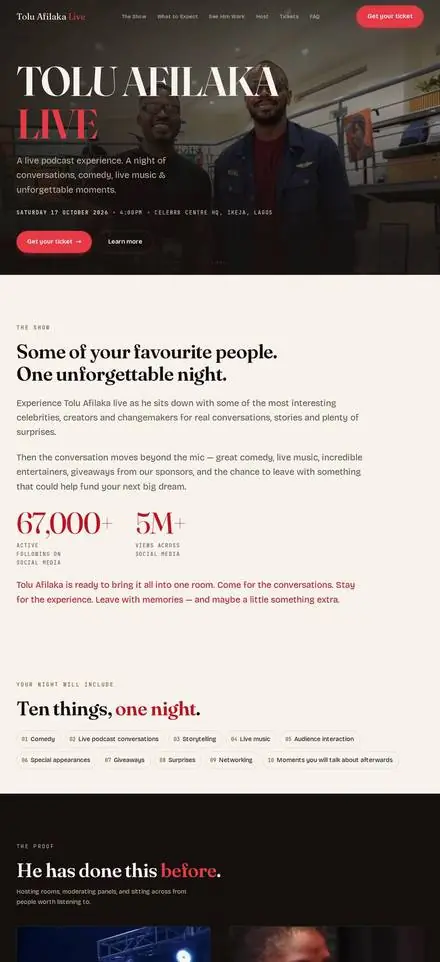
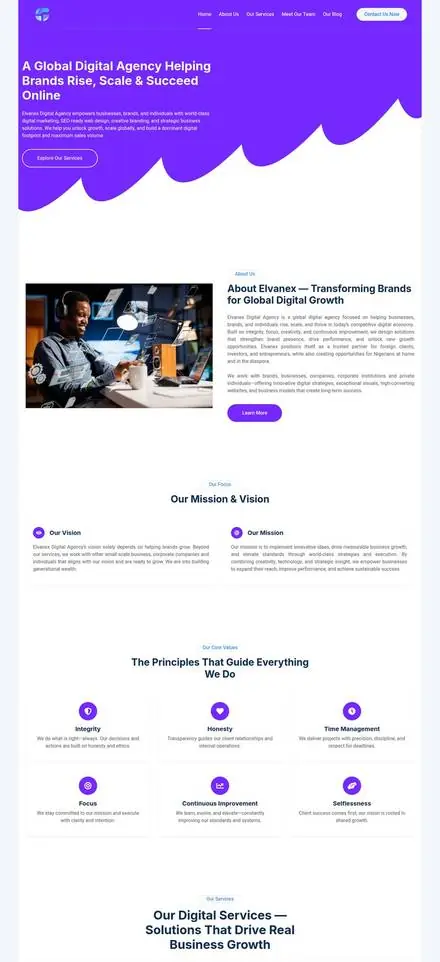
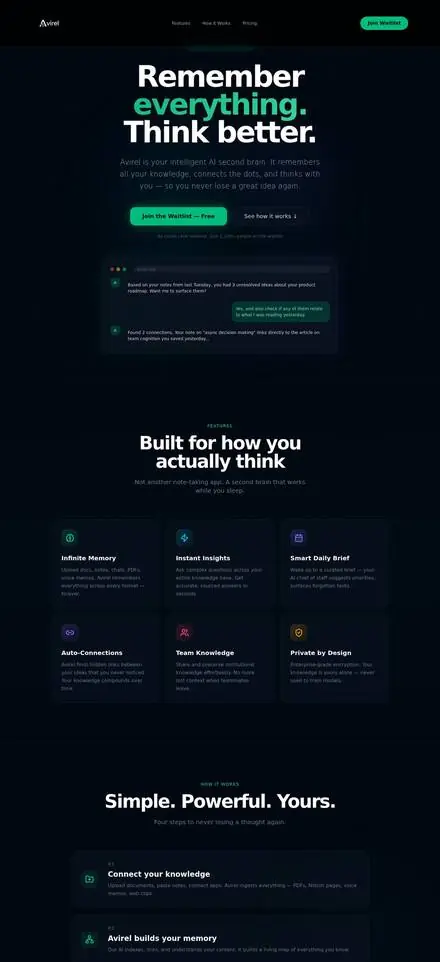
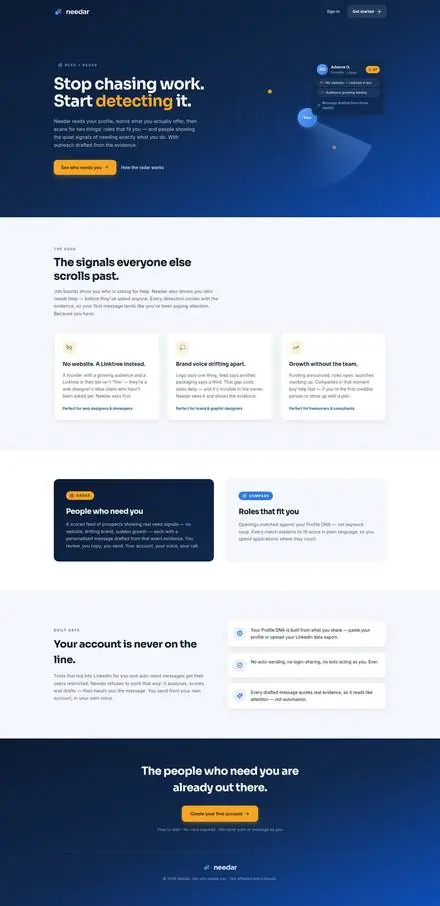
Building a conversion-focused website is straightforward when you divide pages into standard content blocks. High-converting landing pages usually follow five core sections:
1. A main hero header with a clear title, a brief subheadline, and a call-to-action button.
2. Social proof displaying customer reviews, partner logos, or case studies.
3. A concise service breakdown detailing your core offerings.
4. An FAQ block addressing buyer hesitations directly.
5. A closing section repeating the call to action.
AI writing tools speed up drafting these sections. For example, you can paste raw notes from client phone calls into an AI tool and ask it to highlight recurring customer problems. You can then write your hero title and feature list based on those exact phrases. This keeps your messaging focused on what your audience actually cares about.
When you pair thoughtful content with tailored web development, your site remains fast and simple to navigate. To see how modern development workflows integrate these capabilities, read my guide on AI-powered web development.
Testing User Experience with AI Agents
Getting traffic to your site will not help your business if broken forms or mobile formatting issues prevent visitors from reaching out. Website testing used to require checking every page manually across multiple screens and browsers. Today, automated AI testing tools can help identify layout glitches and technical errors much faster.
In modern web testing, AI agents can read page interfaces, simulate real user interactions, test form inputs, and report broken workflows automatically. Developer Xuling Feng notes that AI testing tools can go beyond rigid pre-scripted checks by exploring unexpected user inputs and invalid data entries 3.
For a small business, this means you can use AI tools to audit your customer flow. You can verify whether your booking forms accept long names, test how quickly your pages render on slow mobile connections, and fix layout bugs before they cause prospective buyers to drop off.
Avoiding the AI Productivity Trap
It is tempting to try fully automating your website creation. Many software vendors claim AI can build a complete business website in under a minute from a single prompt. In practice, unchecked automation often leads to repetitive design and bland copy. Publishing dozens of generic pages without clear direction will not bring in sales if those pages fail to build trust.
As developer Sylwia Lask points out in an article on AI productivity, AI tools make software generation much faster, but human direction, planning, and clarity remain essential 2. If you rely entirely on automated prompts without reviewing the output, your site will look like every other templated page on the web.
To convert visitors, your website needs genuine context. Use AI to draft options and test performance, but read and refine every sentence yourself. Make sure your pricing details, contact information, and service descriptions are completely accurate. If you are preparing for a new site build and want to see how I partner with business owners, you can learn more about my services and process.
A Practical Checklist for Your Website Build
Here is a straightforward process you can follow to design a conversion-focused website using AI assistance:
1. Define your core service in simple language. Outline who you help, what problem you solve, and what specific action a visitor should take on your site.
2. Use AI tools to draft content options and page structure ideas based on real customer questions.
3. Keep your page layout clean. Use readable typography, high-contrast text, and distinct button designs. You can see examples of clean layout work on my portfolio page.
4. Test your site across mobile phones and desktop browsers to make sure forms submit quickly and pages load without delays.
Designing a website that converts is not about adding flashy visuals or filling pages with automated text. It comes down to understanding your visitor, explaining your offer clearly, and removing friction from the contact process. By using AI for research, copy outlines, and performance testing, you can build a reliable digital asset that grows your business.
Sources
Did this help?
A like tells Olaitan what to write more of. No sign-up needed.
Share it
\u201cOlexweb did a whole lot perfecting my website. It’s such a great experience.\u201d
Need a website that brings in work?
Start my project